Where the apps you build with AI become real.
Vibe coding is describing an app to an AI and getting working software back. The hard part comes after: it runs on your computer, its data lives in one browser, and nobody else can use it.
vibe-coded.ai puts it online with its own address, storage that keeps its data, and sharing, so the people you choose can use it too.
Free to start. No credit card.
Two ways to start
Describe something new
Add vibe-coded.ai as a connector in Claude, or in another AI app that supports MCP, the standard AI apps use to connect to tools. Say what you want and it writes the app, gives you a private preview to try, and publishes when you say so. There is nothing to install.
The quickstart shows each step.
Bring what you already built
Install the vibe skill for your coding agent, such as Claude Code, Cursor, Codex CLI or Gemini CLI, and open your project. The agent runs it on your computer, moves its data into vibe-coded.ai storage, and publishes it.
Bring an existing app lists what moves over as it is and what needs changing.
What every app gets
We call an app on vibe-coded.ai a vibe.
An address
Its own web address, plus a private preview for trying changes before they go live.
Storage
Records on every plan. Paid plans add a SQL database and file storage.
Sharing
Keep it private, invite people to view or edit, or make it public.
Give your AI memory.
A vibe's functions are also tools an AI can call. Connect Claude, or any AI app that supports MCP, and it works from the same records you see in the browser: it can add a book to your reading list or mark an invoice paid. The docs show how to connect an AI to a vibe.
What people build
Four vibes, each built from one prompt.
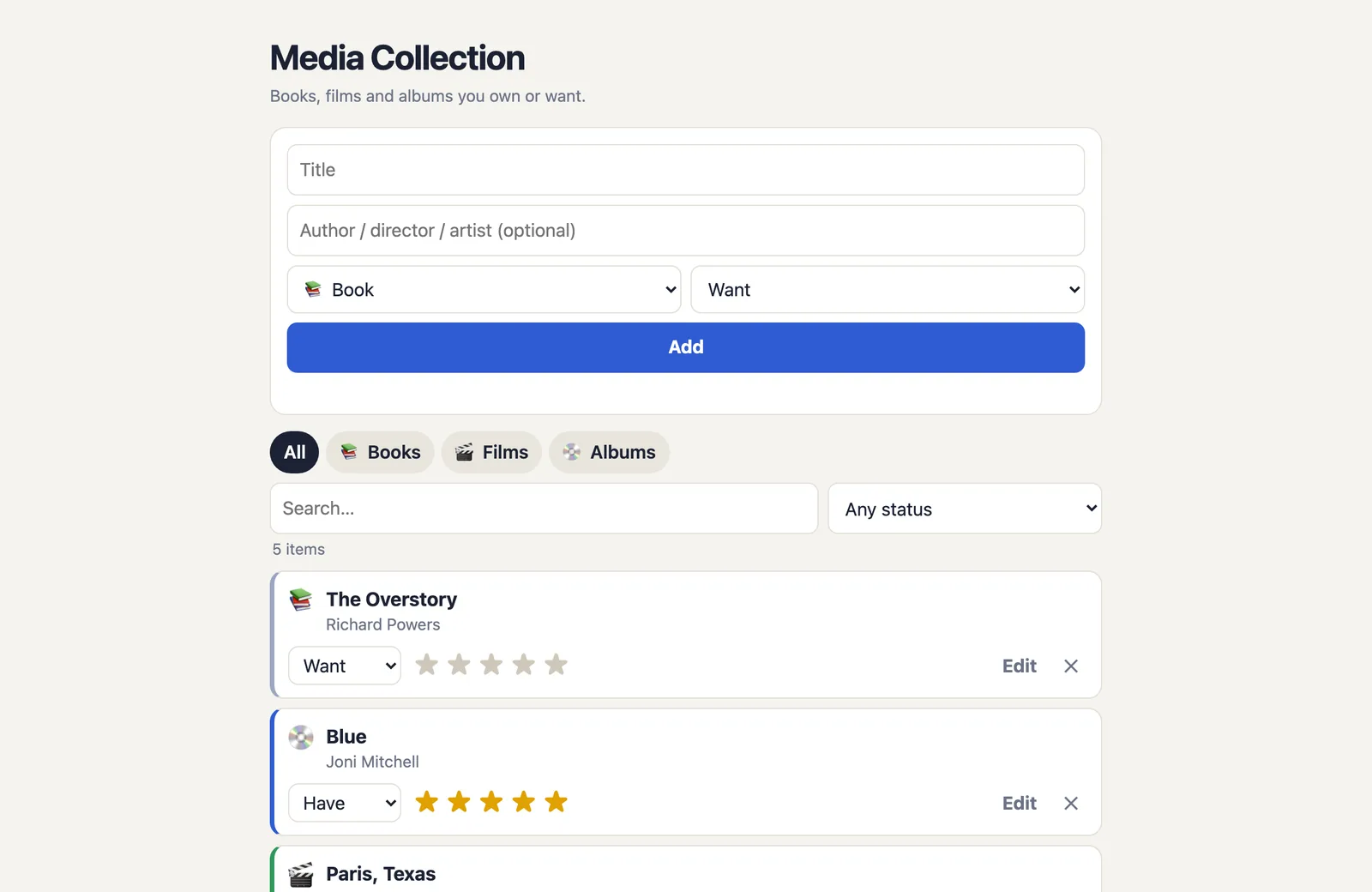
Media collection
The books, films and albums you own or want, each with a status and a rating.
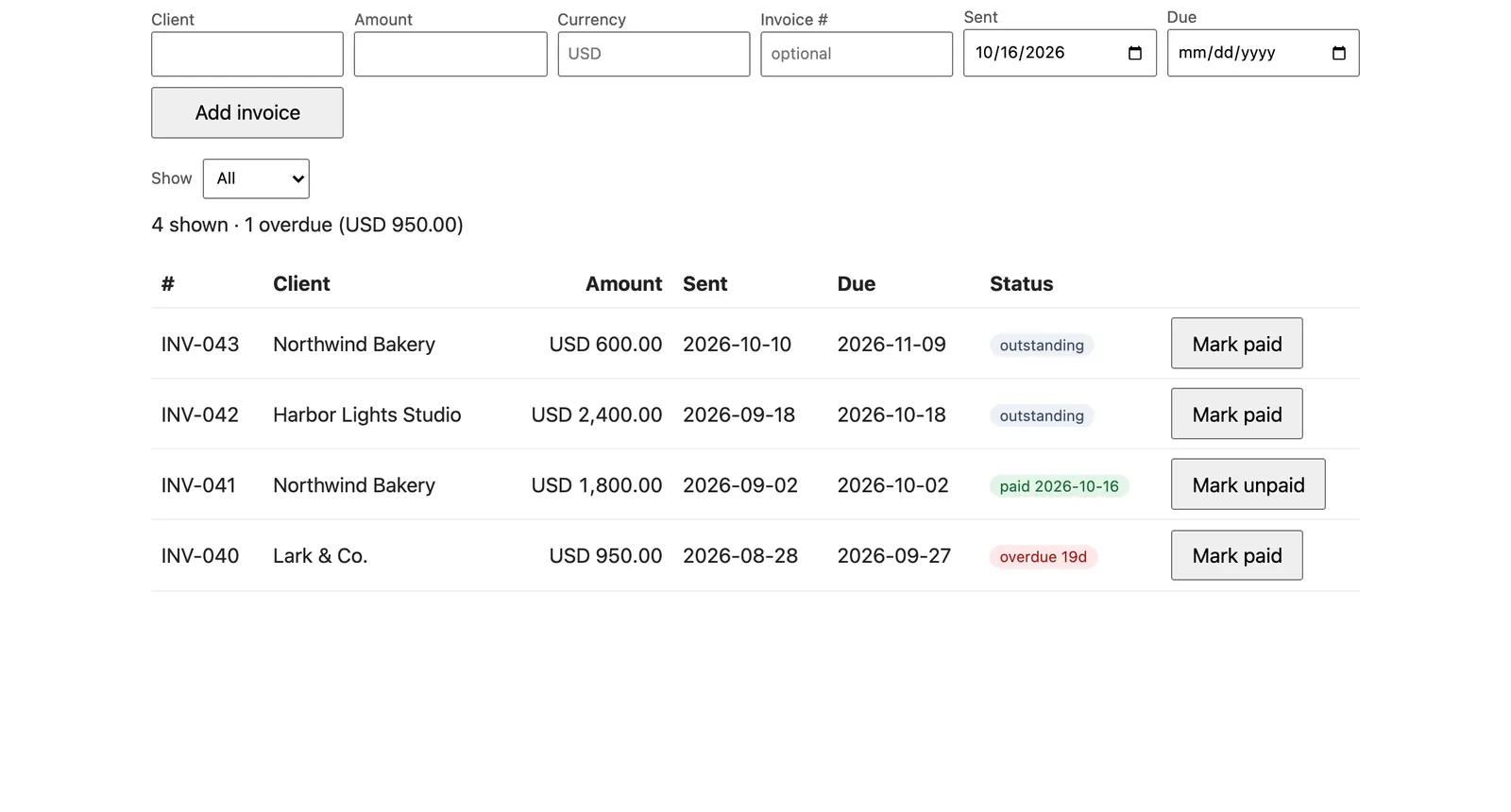
Invoices
The invoices a freelancer sends. Ask which are overdue and have one marked paid.
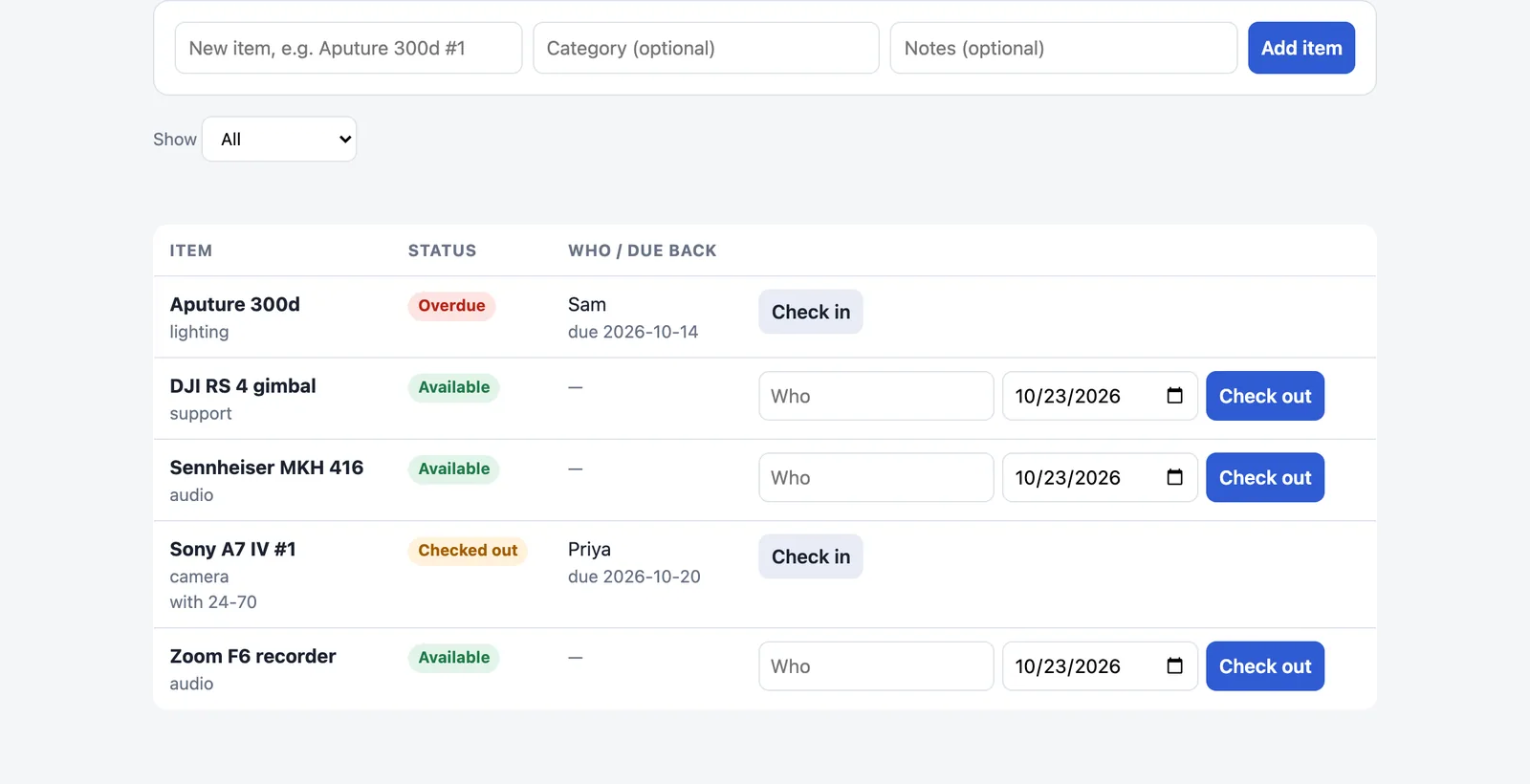
Equipment checkout
A studio's shared gear, who has each item and when it is due back. Each teammate uses it from their own AI.
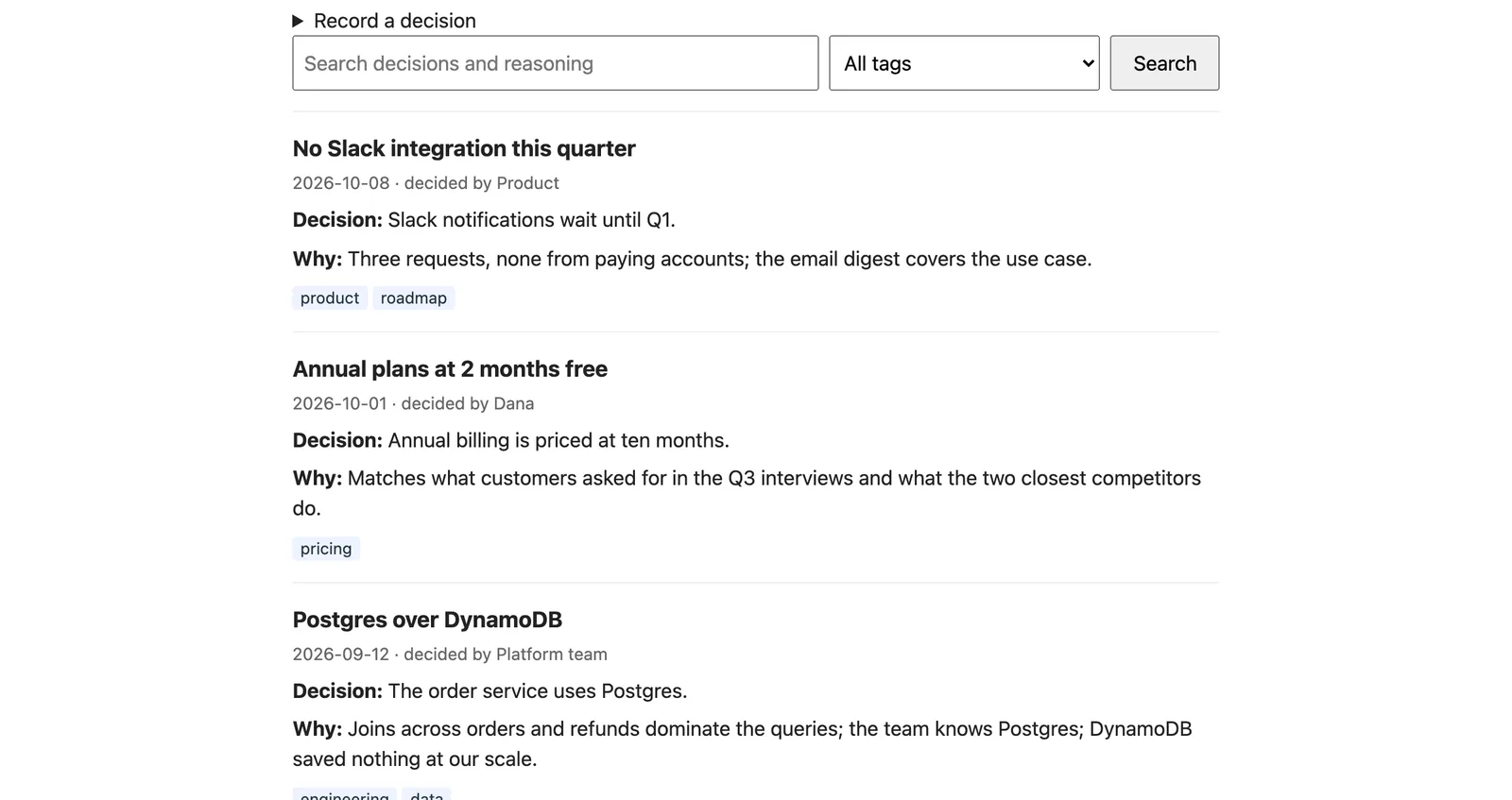
Decision log
A company's decisions with the date, who decided and the reasoning, for any AI to look up.
Plans
Free
$0/month
- 5 vibes
- 100 MB key-value storage
- 500,000 API calls a month
- 50 builds a day
Pro
$9/month
- 10 vibes
- 512 MB key-value storage
- 1 GB file storage
- 1 GB SQL storage
- Encrypted secrets
- 900,000 API calls a month
- 150 builds a day
Pro+
$20/month
- 25 vibes
- 1 GB key-value storage
- 5 GB file storage
- 2 GB SQL storage
- Encrypted secrets
- 2,000,000 API calls a month
- 300 builds a day
Vibes and storage are totals for the account. API calls are counted each month and builds each day.